ArtVR for gallery sales
Guide the sale with a collection curated for your client.
Give each client a relevant selection to explore. Use engagement information and your conversations to refine that selection as they consider what to buy.
Request a demo01 / Curate
Curate for a specific client.
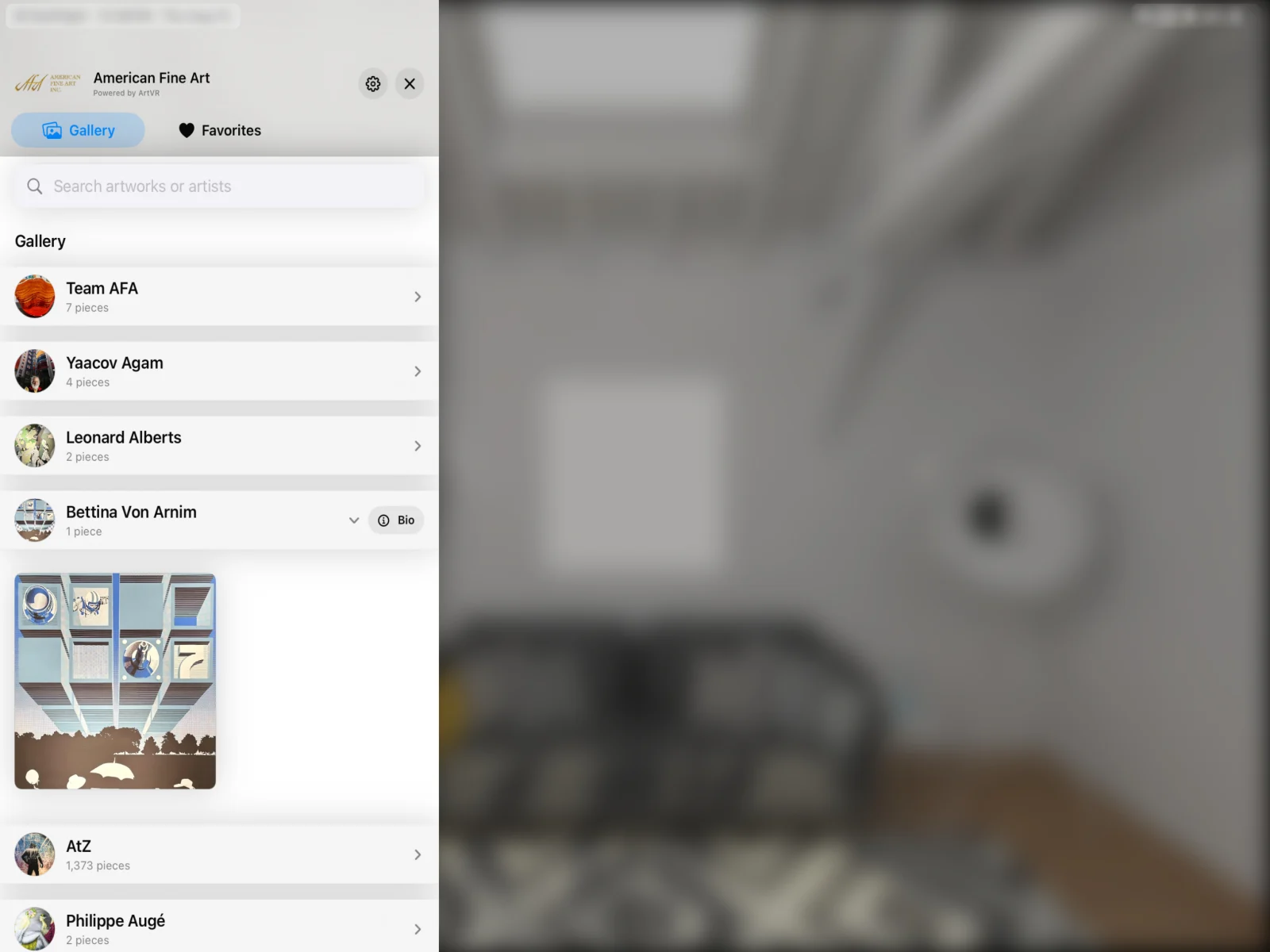
Use what you know about a client’s taste, interests, and space to curate a collection they can explore in ArtVR.
A focused selection gives your consultant and the client something concrete to discuss, from an initial idea to a shortlist.
02 / Explore
Let clients look closer.
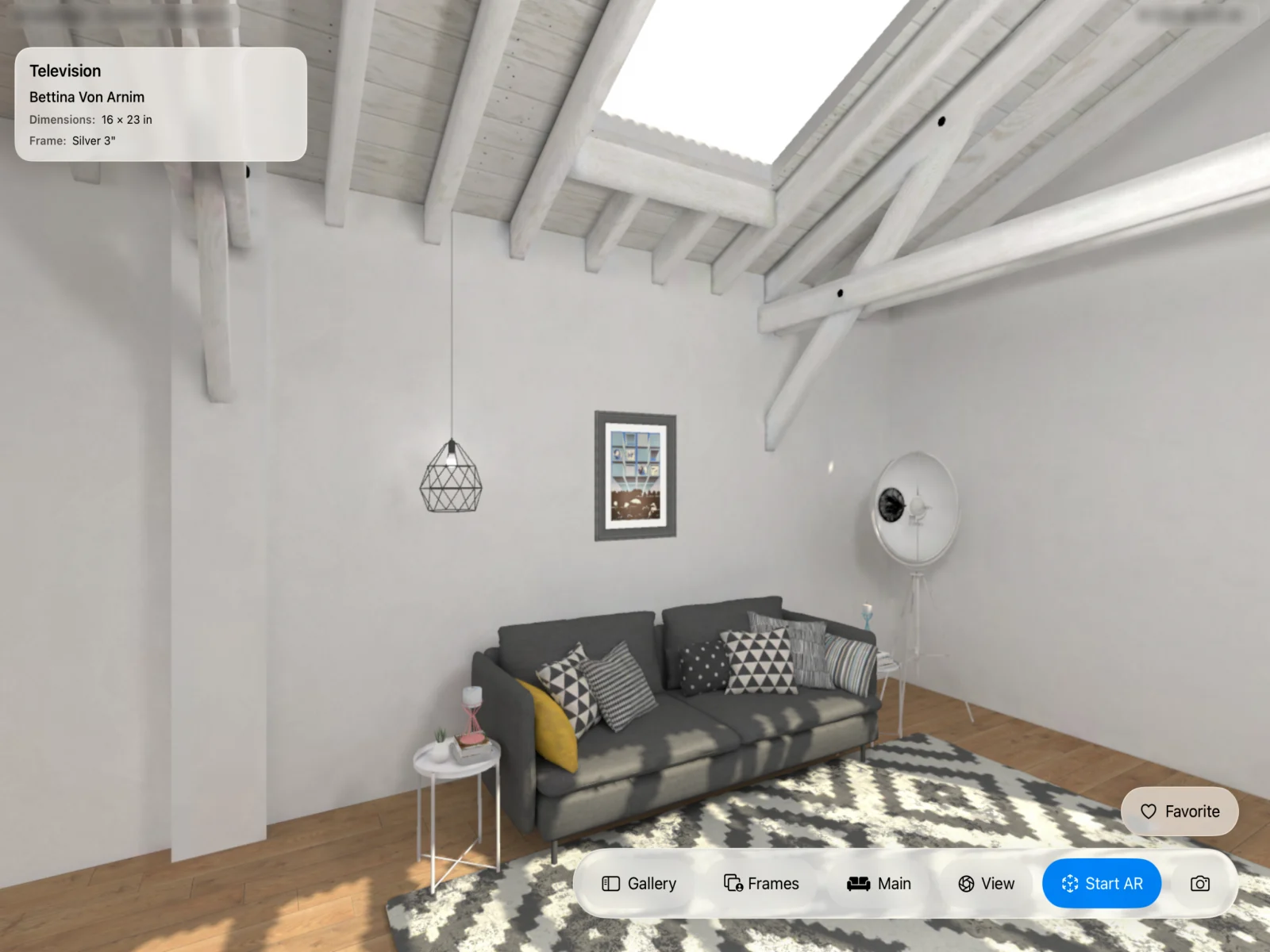
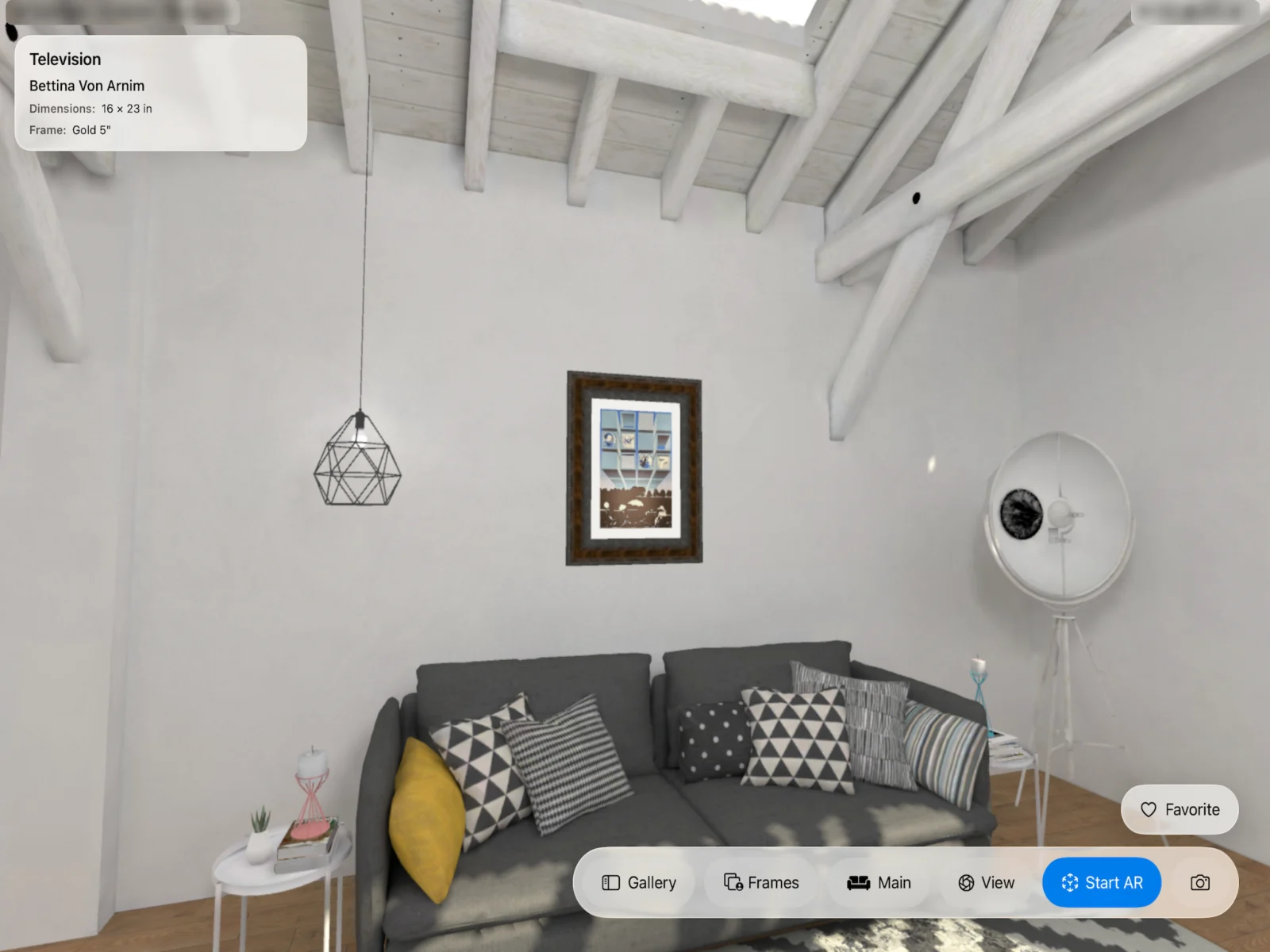
Clients can explore remotely and consider artwork in context. Switch between these two app previews to see the room and a closer viewpoint.
Discuss the work at real-world scale.
Seeing artwork at real-world scale is part of the ArtVR experience. In a personal demo, we’ll walk through how in-space viewing fits your gallery’s client conversations.
03 / Understand
Follow up with context.
Engagement information gives your consultant context for the next conversation. Review it alongside what your client tells you about the collection.
Ask which works they are considering, what appeals to them, and what would help them decide. Use the answers to shape the next selection.
We’ll show you how engagement information is presented during your demo.
04 / Refine
Refine the shortlist.
Adjust the selection as you learn more about the client. Introduce another work or narrow the choices to help them move toward a purchase decision.
Your consultant guides the sale, with a collection that evolves as the conversation develops.
Explore a participating gallery.
Open a participating gallery and explore its collection.
Explore ArtVR with your gallery in mind
Explore how ArtVR fits your gallery in a personal walkthrough and discuss licensing for your team.
Request a demo